Warning: Undefined variable $sermon_page_url in /home/thegatew/public_html/churchadminplugin/wp-content/plugins/church-admin-premium/display/sermon-podcast.php on line 346

Warning: Undefined variable $row in /home/thegatew/public_html/churchadminplugin/wp-content/plugins/church-admin-premium/display/sermon-podcast.php on line 487

Warning: Attempt to read property "file_title" on null in /home/thegatew/public_html/churchadminplugin/wp-content/plugins/church-admin-premium/display/sermon-podcast.php on line 487

Warning: Undefined variable $row in /home/thegatew/public_html/churchadminplugin/wp-content/plugins/church-admin-premium/display/sermon-podcast.php on line 488

Warning: Attempt to read property "speaker" on null in /home/thegatew/public_html/churchadminplugin/wp-content/plugins/church-admin-premium/display/sermon-podcast.php on line 488

Warning: Undefined variable $row in /home/thegatew/public_html/churchadminplugin/wp-content/plugins/church-admin-premium/display/sermon-podcast.php on line 489

Warning: Attempt to read property "pub_date" on null in /home/thegatew/public_html/churchadminplugin/wp-content/plugins/church-admin-premium/display/sermon-podcast.php on line 489

Warning: Undefined variable $row in /home/thegatew/public_html/churchadminplugin/wp-content/plugins/church-admin-premium/display/sermon-podcast.php on line 490

Warning: Attempt to read property "description" on null in /home/thegatew/public_html/churchadminplugin/wp-content/plugins/church-admin-premium/display/sermon-podcast.php on line 490

Warning: Undefined variable $mp3_file in /home/thegatew/public_html/churchadminplugin/wp-content/plugins/church-admin-premium/display/sermon-podcast.php on line 491

Warning: Undefined variable $row in /home/thegatew/public_html/churchadminplugin/wp-content/plugins/church-admin-premium/display/sermon-podcast.php on line 492

Warning: Attempt to read property "video_url" on null in /home/thegatew/public_html/churchadminplugin/wp-content/plugins/church-admin-premium/display/sermon-podcast.php on line 492

Warning: Undefined variable $series in /home/thegatew/public_html/churchadminplugin/wp-content/plugins/church-admin-premium/display/sermon-podcast.php on line 493

Warning: Undefined variable $row in /home/thegatew/public_html/churchadminplugin/wp-content/plugins/church-admin-premium/display/sermon-podcast.php on line 494

Warning: Attempt to read property "bible_texts" on null in /home/thegatew/public_html/churchadminplugin/wp-content/plugins/church-admin-premium/display/sermon-podcast.php on line 494
How to… – Church Admin Plugin

Church Admin Plugin

Category: How to…

  • Doing better on the web #2

    Doing better on the web #2

    Here is the next 10 minute win for doing better on the web with the Church Admin Plugin.

    The next thing that will help your search and AI visibility is a bit more under the hood, but with the Church Admin Plugin just as simple.

    It’s called “structured data”. It is a way of putting the key data about your church in a format that search engines like. Thankfully you don’t need to know the format or understand it, you just need to fill out a quick form in the Settings area of Church Admin.

    Click on “Create structured data” in the Settings section of Premium Church Admin.
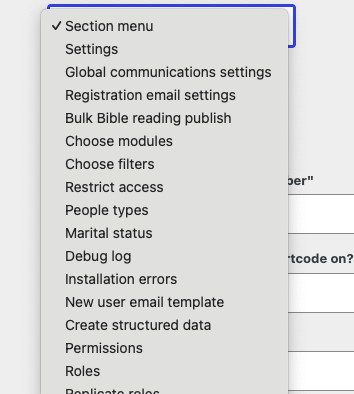
    Then you will be presented with a simple form to fill out.

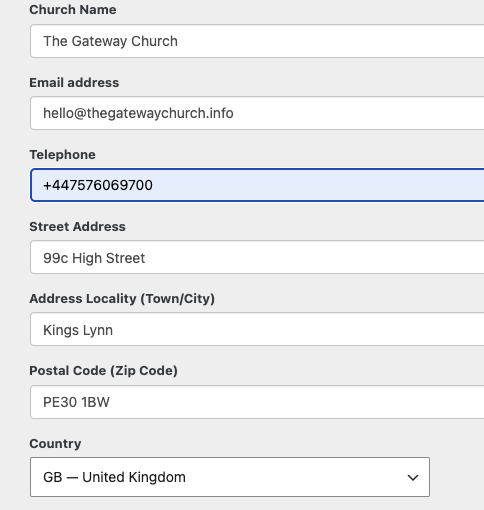
    The first part is the basics of contacting the church.
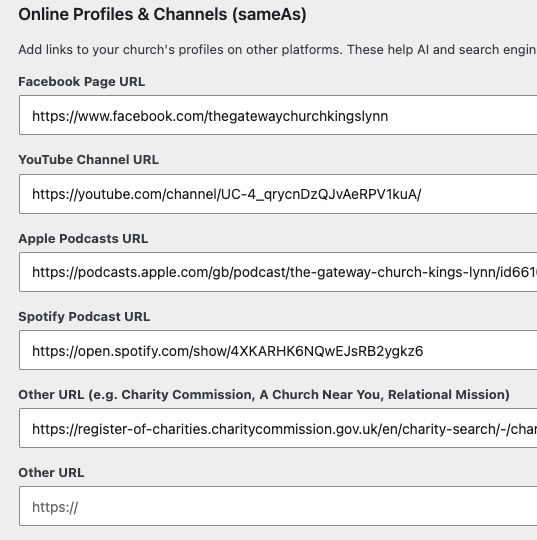
    The next part is important for search engines! It is adding the web addresses of other church pages like Facebook, YouTube. There’s space for a couple of extras – in the UK , the Charity Commission URL is worth adding too.
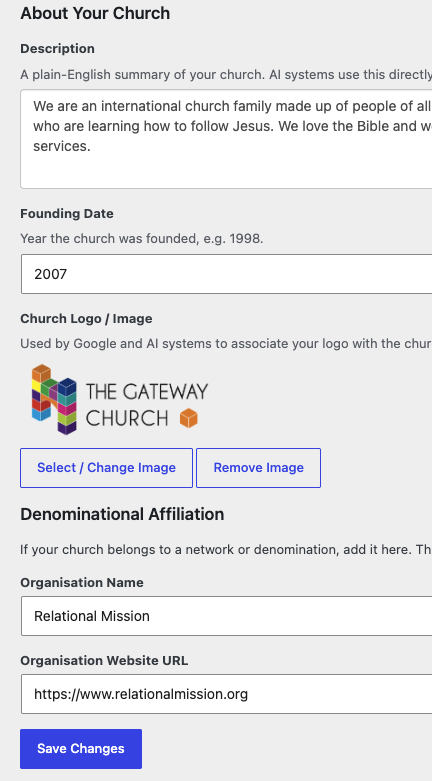
    The last section is some details about the church. The founding date adds credibility as does denominational affiliation if you have one.
    Once that is done, each web page will have that data in a machine readable form that search engines and AI love. Your users won’t see it unless they “View source” on the page.

    The plugin adds your service details automatically, so make sure you have set up Services in the plugin too.

    On the sermon and calendar pages of your site, the plugin adds the “structured data” versions under the hood automatically.

    In 2026, when people are using chatGPT or reading the AI overview at the top of a Google Search, filling this in will really help you do better on the web.

    All of this is part of the Premium version of the plugin, so do upgrade if you haven’t already!

    Free

    People & family records

    Sermon podcasting

    Calendar

    Small Churches

    Upto 50 people

    All the free modules

    Add communication tools

    Rotas

    Online Giving

    Our Church App

    See all the features

    $50 per year

    Bigger Churches

    All the free modules

    Add communication tools

    Rotas

    Online Giving

    Our Church App
    See all the features

    $99 per year

  • Doing better on the web #1

    Doing better on the web #1

    I want the gospel to spread, the kingdom of God to grow and it would be nice if the church I lead was seeing those visitors come and lives getting changed.

    One part of that is whether people who are looking for a church, find your church!

    Search has changed rapidly this year – more people are using chatGPT or Claude and Google often put an AI overview at the top, where people can read the information without visiting the website.

    In part 1 of this series, we will look at the importance of local search. That’s where people type something like “Church near me”. Those results will be driven by your Google maps entry and structured data (part 2)

    Have you claimed your “business” on Google maps?

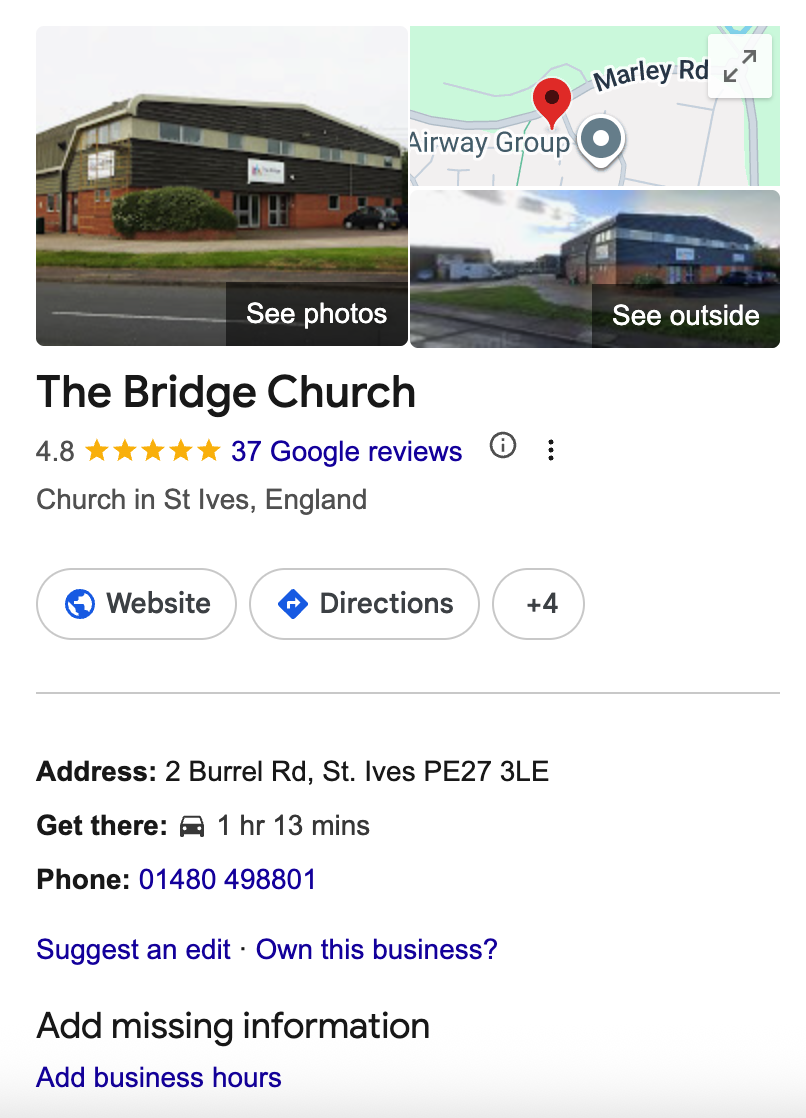
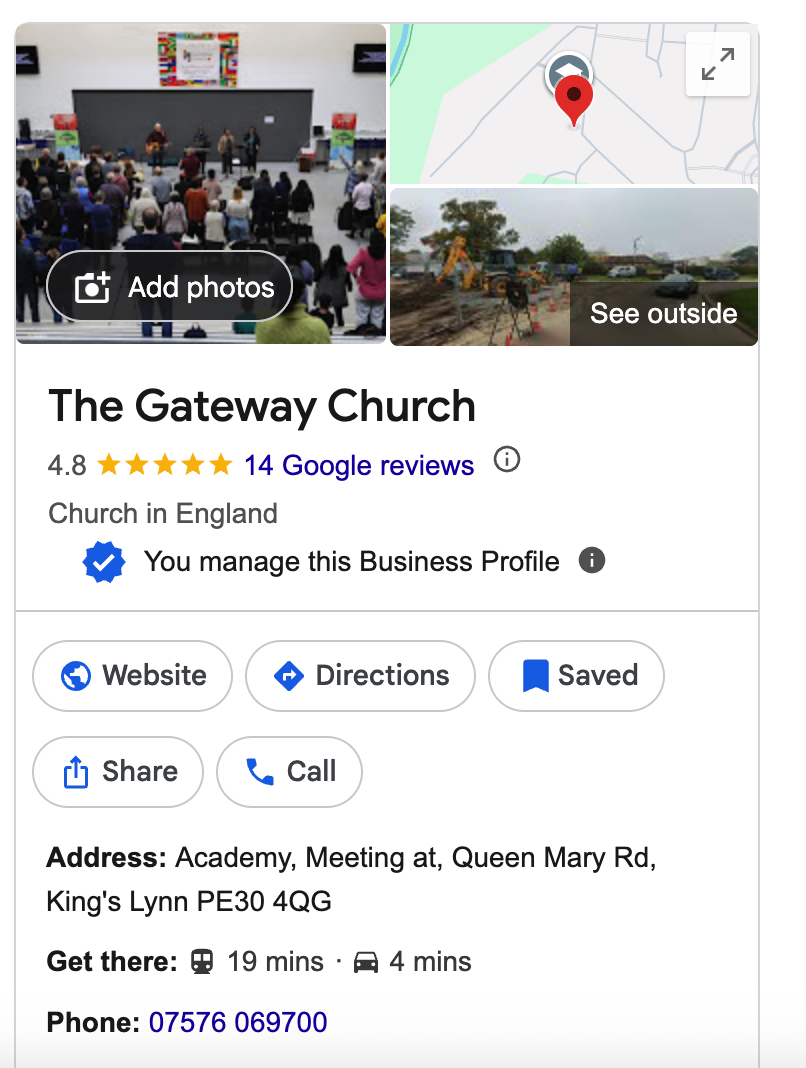
    Head to google.com and type your church name and town in.Over onthe right it will have what it knows about it.

    The church on the left has “You manage this Business Profile”, which means I am in control of the Google Maps entry.

    The church on the right (my old church!) has left it to chance. I’ll help them later 😉

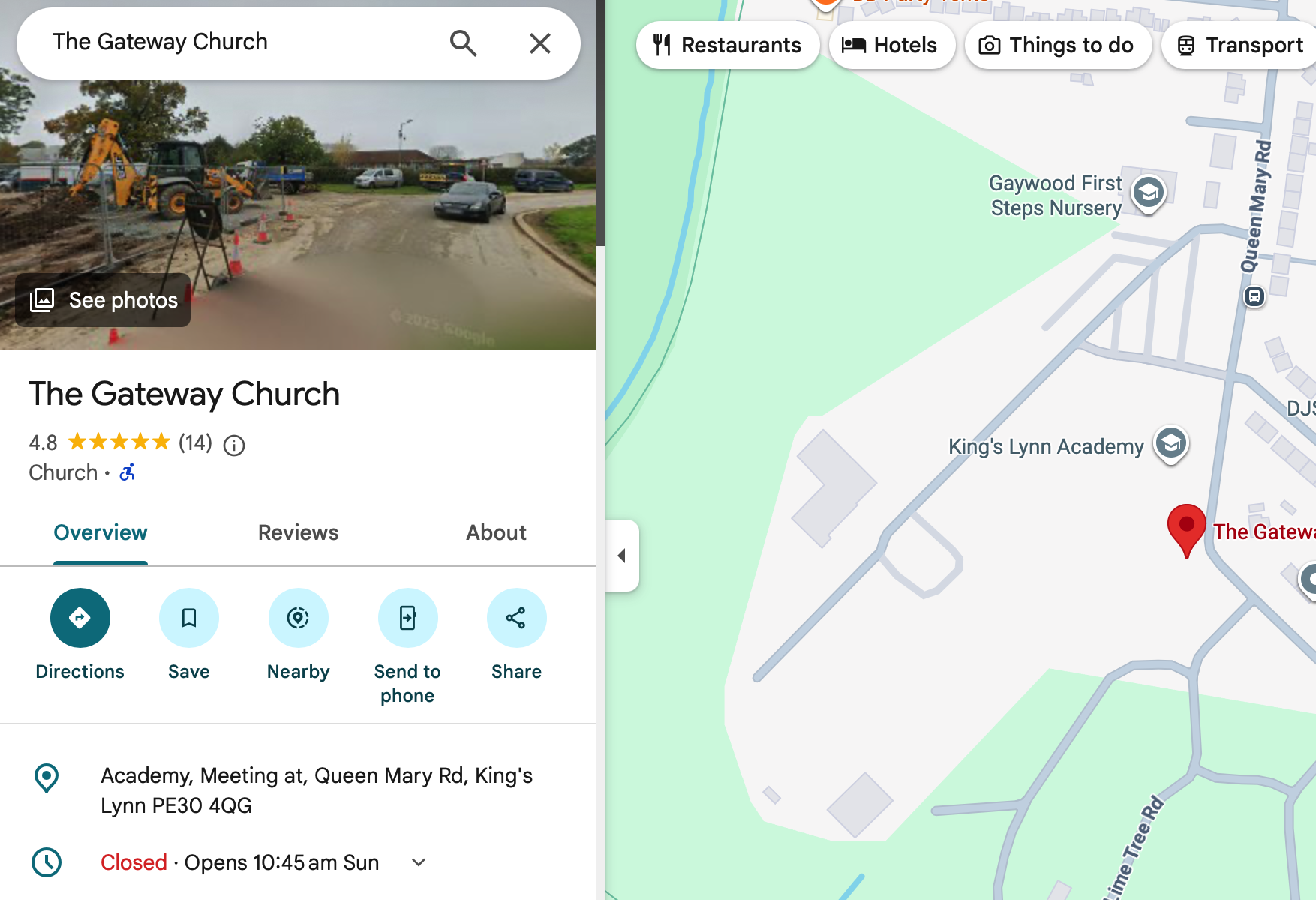
    It also means that on Google maps, there are good details on the map for my church.

    If you have “Own this business?”, then people will likely scroll past and Google AI overview will recommend three other churches.

    So do click on it and Google will take you through a verification process, which involves sending you a postcard with a code on it or an automated phone call. Once that is done you can edit the business and get those all details correct.

    It is worth doing because…

    It puts you on Google maps – “church near me” is something people do search!

    It feeds the Google AI overview that is at the top of any Google search now.

    It powers voice search – when someone asks google “when does church start?” your church will be part of the answer.

    Find and Follow

    Google Business Profile helps people find your church. Social media helps people follow your church – that’s for another post!

    A new family that have just moved to the area aren’t searching Facebook or Instagram for your church, they ask Google for “church near me”

    The person that has hit rock bottom and wants to know if Jesus can help, will google it!

    Fill out all the fields!

    All of them – address, service time, phone number. And add some photos to show what a friendly bunch you are and the kind of church you are – a picture speaks a thousand words.

    Don’t let it get stale

    I always google my church and you get that nice sidebar to quickly access the “business profile”

    Ask people for reviews – there’s a linlk “Get reviews”. Copy it and send it to some people to do a review,

    Add some more photos every now and again to keep it fresh!

    Then do some updates

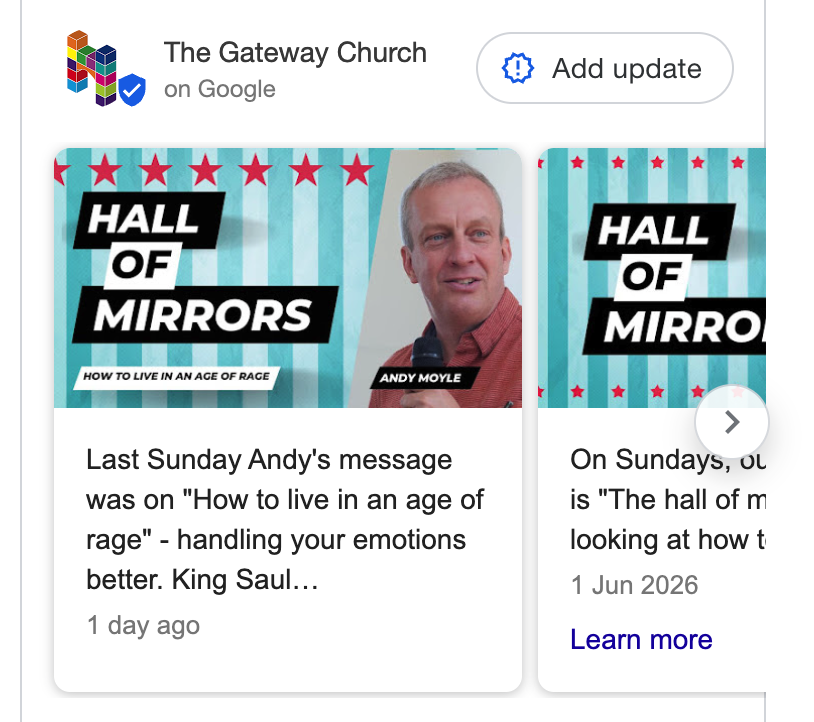
    I just spotted this recently. You can add a quick post on Google – much the same as you may add a post to thechurch Facebook page.

    “Add update” is just under the reviews section.

    I’ve started adding a quick update – takes 5mins. And look at the results…

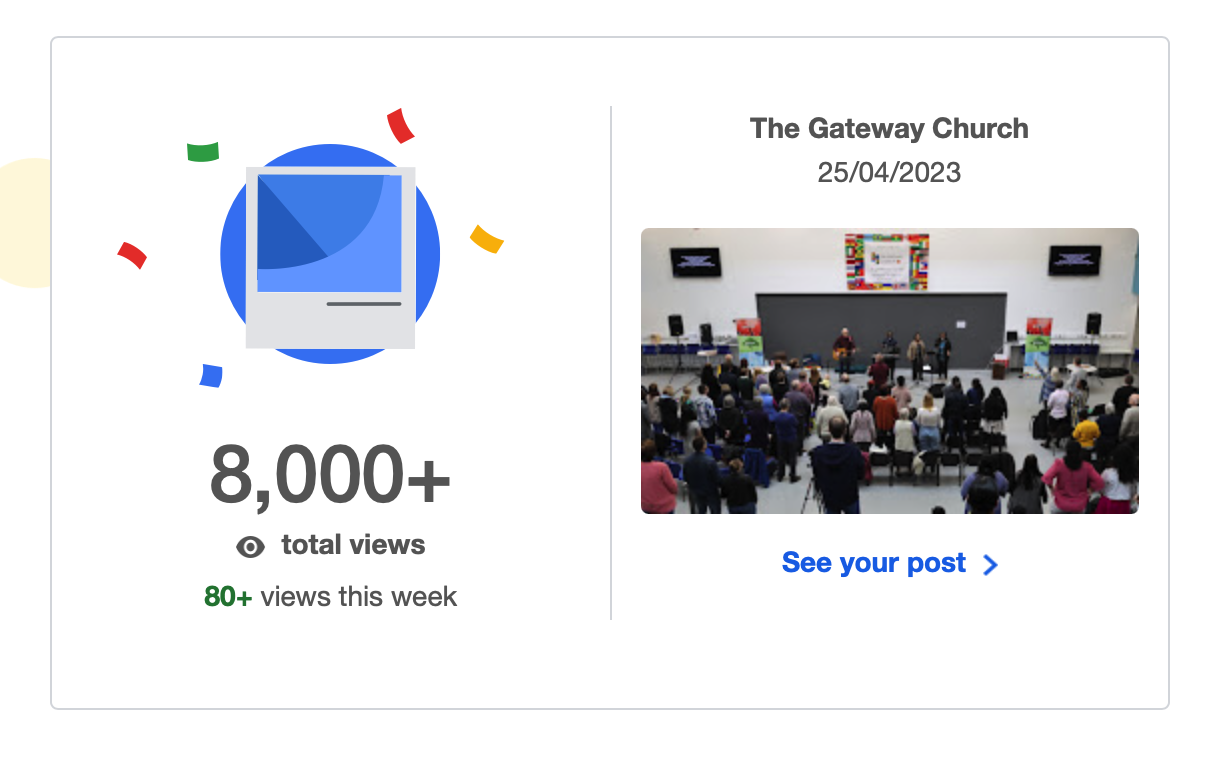
    The weekly email from Google maps has told me our profile has been viewed 8,000 times – and 80 of them this week. So in the last ten days of doing a quick update, I have had 1% of the total views of The Gateway Church on Google maps/business search.

    Why not take 30mins to sort out your Google Business entry. Google your church and click “Own this business” or edit entry if you already do. Add a weekly quick post and see what the Lord will do with the Google Algorithm!

    Next time we will look at some specific newish features of the Church Admin Premium version that will help you “Do better on the web”

    If you haven’t installed the plugin on your Church WordPress powered site, click one of the options below!

    Free

    People & family records

    Sermon podcasting

    Calendar

    Small Churches

    Upto 50 people

    All the free modules

    Add communication tools

    Rotas

    Online Giving

    Our Church App

    See all the features

    $50 per year

    Bigger Churches

    All the free modules

    Add communication tools

    Rotas

    Online Giving

    Our Church App
    See all the features

    $99 per year

  • PayPal giving fund

    PayPal giving fund


    For UK Churches there is a PayPal giving fund, where there are no charges on any online donations made to your church. Donors can also opt to Gift Aid what they give which will give their gifts a 25% boost from the government.

    You’ll need a Church PayPal account – which has been verified as a Charity account (which reduces fees on normal transactions too). That took a while – for us largely because the Letter of Authorisation you have to download, print and sign needs to be on headed paper to be accepted!

    If you have a church PayPal account – then start enrolling here – it will take you to the verification pages if needed as part of sign up.

  • Service pre-booking

    I’ve just created a YouTube video on how to set up service pre-booking on your WordPress website using the Church Admin plugin