You probably use a CRM — Customer Relationship Management — at work. Church life needs one too, but the relationships aren’t with customers. They’re with the people you’re pastoring.
The Church Admin Plugin turns your existing WordPress website into a full church CRM. People can register themselves through a form on your site, or you can add them in the admin area. Either way, the records live in your address list, organised into households — and every other part of the plugin connects back to them.
Your congregation’s data stays on your website
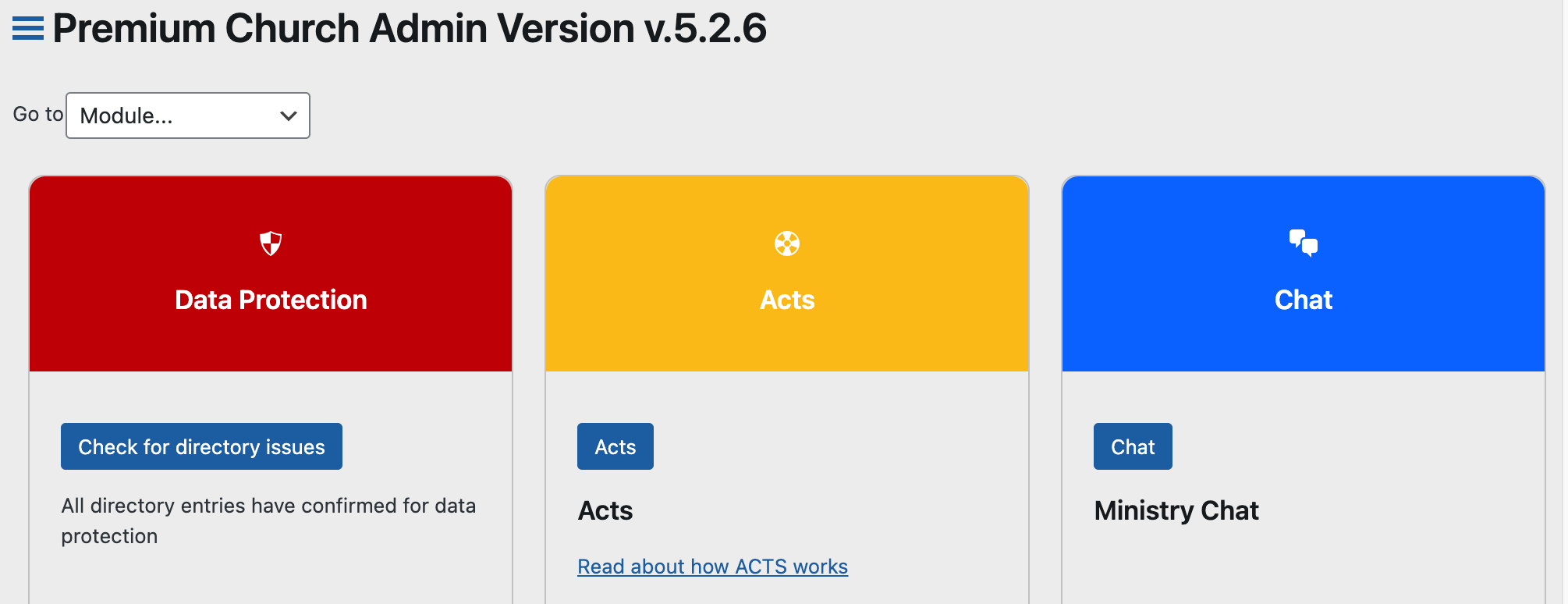
This is the part that makes Church Admin different from every other church CRM. It isn’t a service you upload your congregation to. It’s a plugin that runs inside your own WordPress site, on your own hosting, in your own database.
Nobody else holds your members’ addresses, phone numbers, safeguarding records or giving history. If you ever stop using the plugin, the data doesn’t go anywhere — it’s already yours. For a UK church thinking about GDPR, or any church that would rather not hand its pastoral records to a third party, that’s a meaningful difference.
Built by a pastor, priced for real churches
Most church CRMs charge per month, and the price climbs as your congregation grows – so the more people you’re trying to care for, the more it costs to care for them. Church Admin is $99 a year, flat, however many people you have. Under 50 people, it’s $50 a year. The free version runs your address list, calendar and sermon podcasting for nothing at all.
It’s written by a church planter who needed it himself, and it’s used by over 1,000 churches – from congregations of 50 to multi-site churches of thousands.
Follow up on newcomers
When someone gives you their details on a first visit, the plugin handles the follow-up flow – SMS or email, plus tasks assigned to the people who’ll visit or get in touch. Automated emails can go out at the right moment without anyone remembering to send them.
Membership levels
Set up whatever member types fit how your church actually works. Mine uses:
- Mailing list – for emailing contacts about events
- Visitor – after a first service, or registering on the site
- Regular attender – once people are plugged into a small group, regular Sundays and so on
- Member – for those who’ve done our Joining Day and joined the church
Small groups, classes and ministries
Keep track of who’s in which small group, class and ministry team, with public signup forms on your website or admin-side management – whichever suits. Group leaders can see their own people without seeing everyone else’s.
Communication tools
Premium adds email, SMS and push messaging to any subsection of your church. For example:
- An email reminder to your deacons about the meeting on Sunday evening
- Inviting all the ladies to a special event
- An SMS to all the parents, reminding them the children’s holiday club starts next week
Track attendance
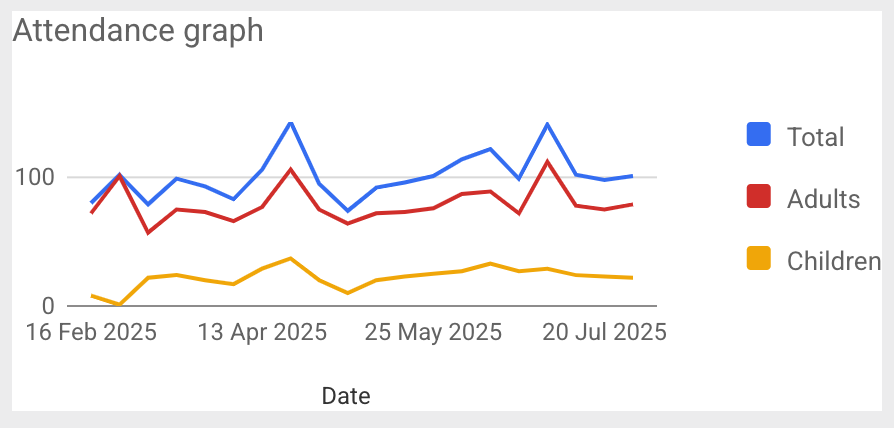
Track attendance by check-in, an online form, or the app – individual attendance as well as totals. Admins get reports, and can spot who’s drifted and follow up before months have gone by.
Team chat
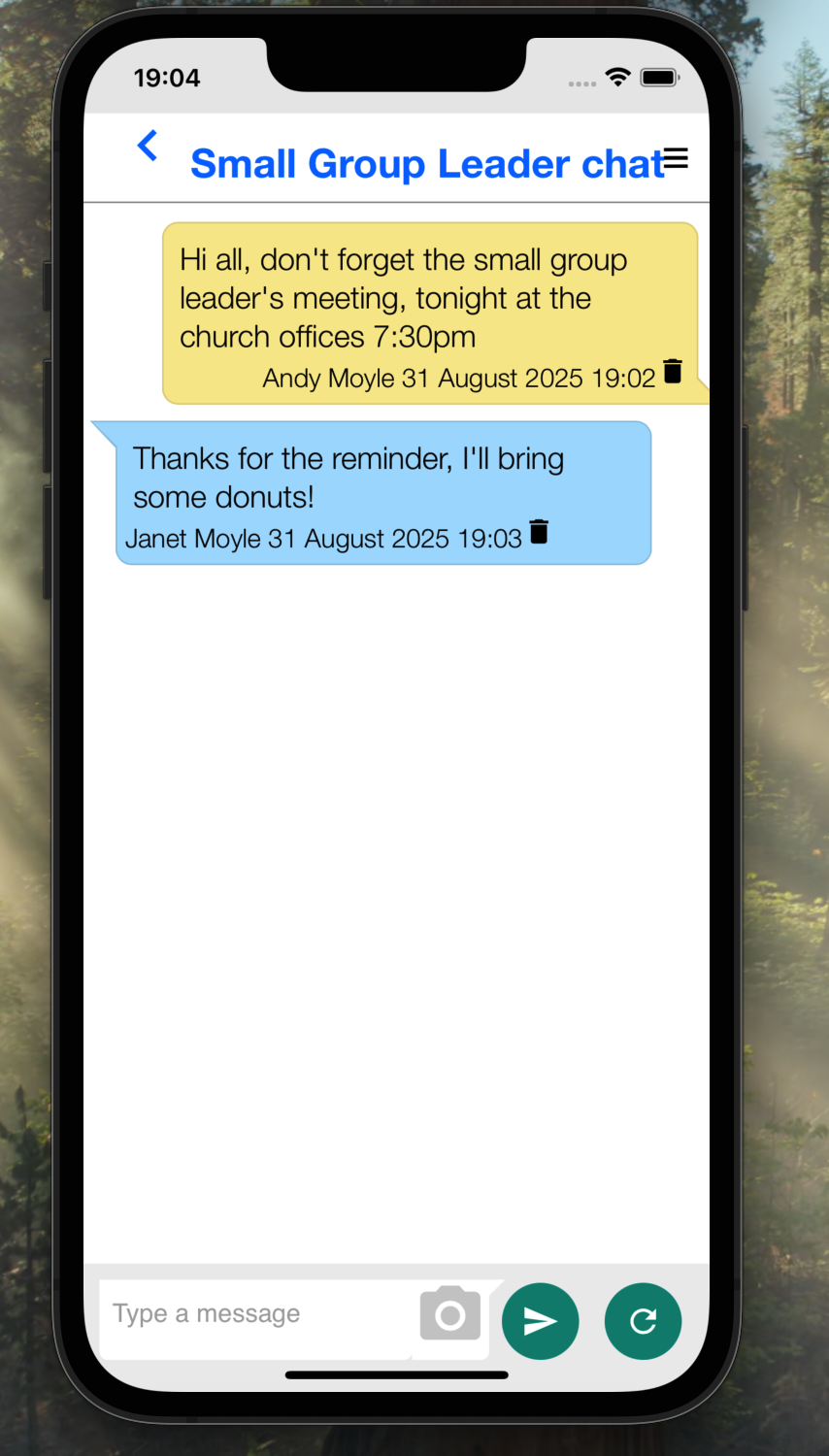
The app includes a chat feature for ministry teams – so volunteers can coordinate without sharing personal mobile numbers with each other the way a WhatsApp group forces them to.
And that’s just the CRM side
Church Admin also handles rotas, giving and Gift Aid, safeguarding records, ticketed events, room bookings, sermon podcasting and your church calendar — all built on the same people records, so nothing needs entering twice.
See every feature compared · Compare to other church software
Start with the free version — no card, no trial clock. If you upgrade to Premium and it isn’t right for your church, there’s a 14-day refund.